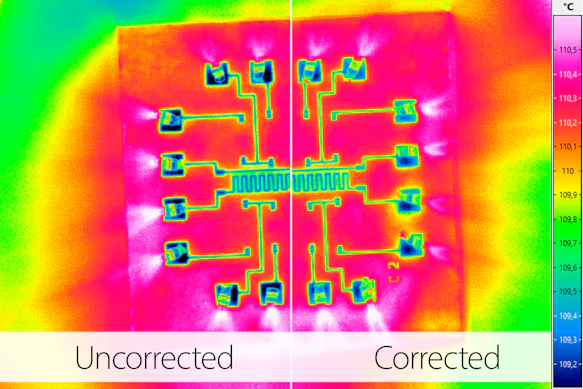
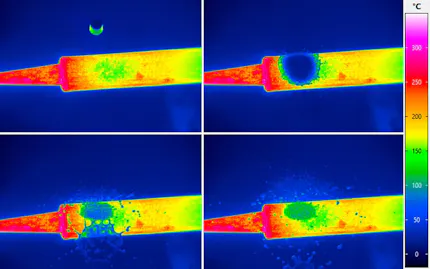
Although the individual images captured during short integration times appear sharp, the vibration causes the position of typical structures in the image to shift. As a result, the sequence consisting of several consecutive individual images appears “blurred.” To correctly evaluate the image sequence, it is therefore advisable to eliminate the pixel shift using the “Vibration Correction” function.
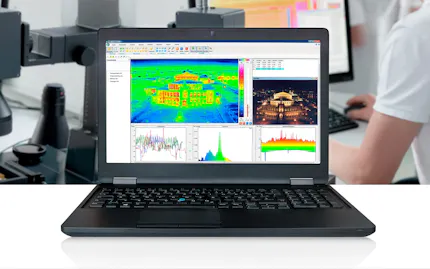
To make this post-adjustment, simply load the generated sequence into the IRBIS® 3 software and select the vibration correction option from the menu. With the support of an intuitive dialog box, the sequence can be revised in just a few clicks.
Note: The “Vibration Correction” feature is available in the IRBIS® 3 software menu under “Sequence > Convert > Vibration Correction”.